







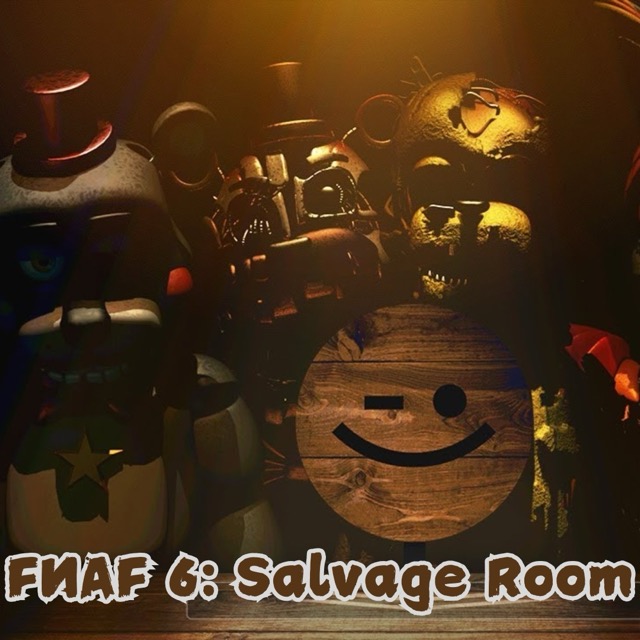
FNAF 6: Salvage Room
Inspect an animatronic across the table and keep the audio procedure connected to what you observe.
About FNAF 6: Salvage Room
Salvage Room concentrates the horror into an evaluation rather than a restaurant search. The evaluation involves listening to recordings, noting changes, and using an electrical response when the subject becomes dangerous.
The useful skill is preserving a comparison. If an interaction takes attention away from the subject, you need to recognize how its next visible state differs from the one you had already judged safe.
How to Play FNAF 6: Salvage Room
Read the inspection directions and locate the audio, recording, and defensive interactions. Establish the subject's starting appearance, advance the requested step, and look again before continuing the evaluation. Use the inspection instructions to decide when the electrical response is needed.
Audio and shock controls
Press Space to play or pause the recording. Ctrl activates the shocker. Watch the animatronic while following the inspection instructions: movement or an unusual sound is the warning to use the electrical response. Playing the recording is only one step; continue with the observations requested by the procedure.
Compare a few stable features
Remember the head and arm positions rather than trying to memorize the whole screen. After a recording or paperwork interaction, check those reference points for a change. This gives a subtle movement a clearer meaning.
A practical inspection sequence
Begin by looking at the animatronic before advancing the recording. Choose two landmarks, such as the position of its head and one arm, and remember their relationship to the table. After each requested observation, return to those landmarks. The comparison gives you a more useful question than simply asking whether the character looks frightening: what, if anything, has changed since the last check?
Keep the recording and the defensive response distinct. Space controls the recording; Ctrl operates the shocker. If the inspection asks for an observation, complete that step before moving on. When the subject presents a warning, respond, then establish a fresh reference position for the next observation.
What makes the salvage room different?
There is no map of rooms to sweep in this scenario. Your attention stays on one subject, and progress comes from following a procedure while noticing small changes. Listening matters alongside looking, so play with sound at a comfortable level and give a recording enough attention to identify a new cue.