




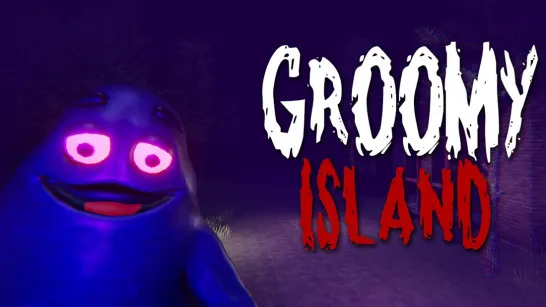
Groomy Island
Search the island for ten Grimace Shakes while using the minimap to keep the route understandable.
About Groomy Island
Groomy Island is a 3D horror-survival search with a specific collection goal. The island offers several areas to explore, but the useful progress is locating the ten shakes rather than simply increasing the distance traveled.
The minimap gives a way to organize the search. Relate its layout to visible landmarks so you can return to an unfinished section after an encounter instead of starting another random route.
How to Play Groomy Island
Start the attempt, learn the nearby paths, and search outward from a recognizable point. Check the collection progress as you move between areas and use the minimap to distinguish searched space from a new section.
Controls
| Input | Action |
|---|---|
| WASD | Move |
| Shift | Run |
| Space | Start or jump, depending on the screen |
| Esc | Pause or resume |
| Q | Close the active panel |
Use the minimap as a search record
The goal is ten Grimace Shakes. Pick a recognizable point on the island and connect the nearby paths on the minimap to what you can see in the 3D scene. Search outward from that point, then use the map to return to the last unfinished area after an encounter.
Separate movement from collection progress
A long run across the island does not necessarily mean that another shake has been found. Check the counter when you move between areas and distinguish a path you have crossed from a place you have actually searched. Shift runs, while Space starts or jumps depending on the screen. Use Esc to pause and Q to close an active panel when those controls are needed.
Frequently asked questions
How should I use the minimap? Connect its paths to landmarks you recognize in the 3D scene, rather than treating it as a separate picture with no relation to your route.