



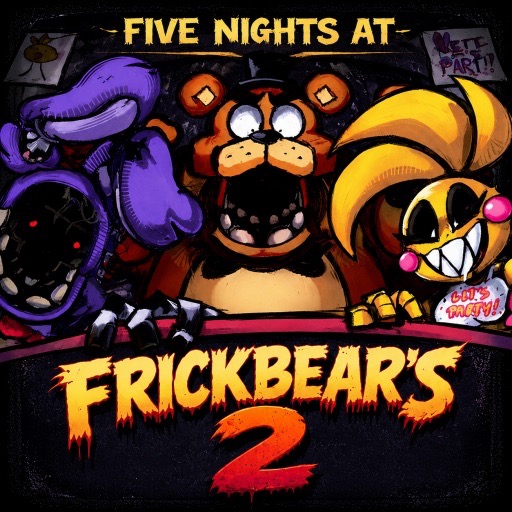
Five Nights at Frickbear's 2
Use the mask, doors, monitor, flashlight, and fan as separate tools in a fan-made night-survival challenge.
About Five Nights at Frickbear's 2
Frickbear's 2 combines several familiar defensive ideas inside a Scratch project. The mask, both doors, monitor, flashlight, and fan each have their own controls. Choose the defense that matches the threat.
The useful learning task is connecting each warning to the correct tool. A fast input sequence is only helpful once you know why the selected control is needed at that moment.
How to Play Five Nights at Frickbear's 2
Read the in-game character instructions, learn the control positions, and start with a manageable observation routine. Survive until 6 AM on each of the five nights. Review the specific warning behind a failed attempt before changing the whole routine.
Press Space to advance the opening menu and confirm the selected start option. Use the keyboard controls below to operate the mask, doors, monitor, flashlight, and fan.
Controls
| Input | Action |
|---|---|
| W | Mask |
| A / D | Left / right door |
| S | Monitor |
| Z | Flashlight |
| X | Fan on or off |
Pressing 1 triggers self-destruct; avoid it during a survival attempt.
Connect each key to a different job
The keyboard layout puts several defenses close together, but the keys are not interchangeable. W operates the mask, A and D the left and right doors, S the monitor, Z the flashlight, and X the fan. Learn these positions against the game's character instructions before trying to operate them quickly. Avoid pressing 1 during a survival attempt because it triggers self-destruct.
Build a response around the active warning
Begin with an observation that tells you which character or approach needs attention. Choose the relevant tool, carry out its response, and return to the rest of the office once the immediate warning has cleared. A mask response and a door response are separate decisions; speed only helps when the selected action matches the threat.
After a failed night, review the warning and the key you used. If you pressed the intended control but the threat needed another response, change the decision. If you knew the response but struggled to find the key, practice the layout before adding more speed.
Frequently asked questions
Does W move the character? W activates the mask.
Can one defense cover every warning? Learn each active character's instructions; the interface deliberately supplies several different tools.