
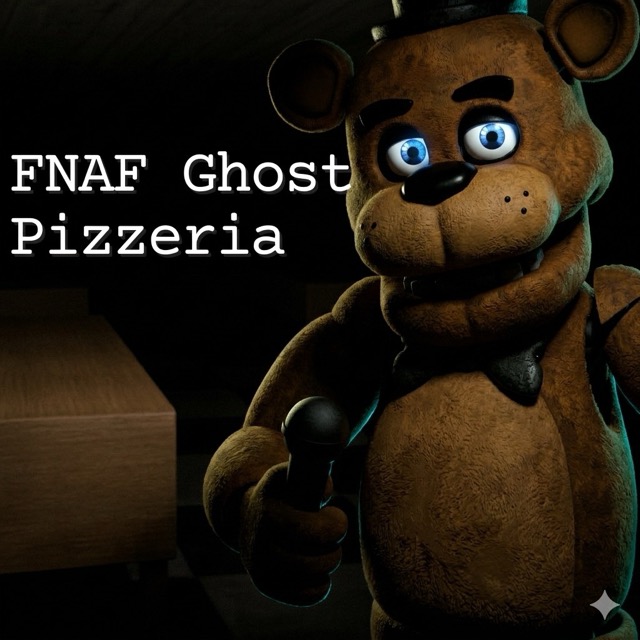
FNAF Ghost Pizzeria
Search a dark, abandoned restaurant from a first-person viewpoint while keeping track of the key counter.
About FNAF Ghost Pizzeria
The game opens under the name FNAF: Abandoned Pizzeria. Its Normal mode opens inside the restaurant with a flashlight and a Keys collected counter showing 0/10.
Ten keys give the search a concrete collection target. The light helps distinguish nearby walls, furniture and passages, but a visible counter does not tell you which rooms have already been searched.
How to Play FNAF Ghost Pizzeria
Choose Play and Normal to enter the restaurant. Use W to move forward and inspect the area ahead. Keep a recognizable junction or piece of furniture in mind before moving into another room, then use it to identify the way back.
Check the key counter during the search and follow any interaction prompt that appears near an object. Separate a room you have inspected from one you have only passed through, so returning to the same place has a clear purpose.
Organize a ten-key search
Use the key counter as a record of progress, not as a map. It tells you how many keys have been collected, but it cannot show which rooms you have already searched. Choose a visible landmark at a junction, inspect the adjoining space, and return to that landmark before taking a different passage.
Try to distinguish three states: a room you have only walked through, a room you have searched, and a room you intend to revisit. That simple distinction helps when the counter is still short of ten and several corridors look alike. The flashlight can reveal nearby furniture and passage edges that make useful reference points.
Interactions and orientation
Move close enough to inspect an object and follow any interaction prompt the game shows. If you change direction suddenly, find the last recognizable junction before continuing. Keep the key counter in view as you explore and follow the prompts that appear.