





Into the Dead Trigger
Move through a zombie outbreak while keeping room to aim, reload, and recover from an unexpected approach.
About Into the Dead Trigger
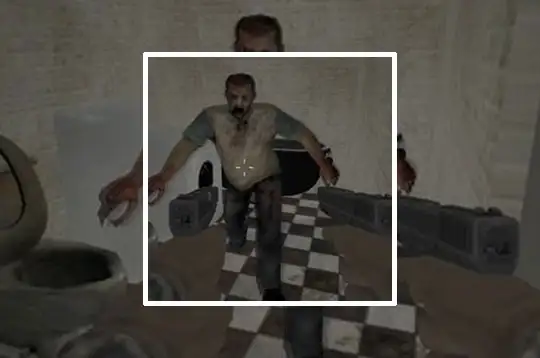
This first-person action scenario places armed survival inside a zombie outbreak. The useful challenge is managing the space around an encounter rather than treating the weapon as permanent protection.
A firing position should leave you a second choice. If one narrow passage is both your only line of fire and your only retreat, an empty magazine can turn a manageable enemy into a close-range problem.
How to Play Into the Dead Trigger
Read the active task, learn the equipment controls, and inspect the route around your starting position. Move toward the objective while creating enough distance to answer threats deliberately.
Main controls
| Input | Action |
|---|---|
| WASD / mouse | Move / look |
| Left / right mouse button | Fire / aim or block |
| F / R | Use item / reload |
| Q / E | Lean left / right |
| Shift / Ctrl / X | Run / crouch / prone |
| Esc or Tab | Pause |
Pick a firing position with a second option
Before moving toward the objective, look for space to step away from the current line of fire. In a narrow passage, an empty magazine can leave an enemy close while the only retreat is blocked. Create distance before using R to reload, and check the next approach before continuing.
Use movement controls deliberately
Q and E lean left and right, while Shift, Ctrl, and X control running, crouching, and going prone. These inputs serve different positioning needs; none replaces knowing where the route leads. After a close encounter, use a known landmark to recover your direction and return to the active task instead of continuing to move at random through the outbreak.
Frequently asked questions
When should I reload? First create space or reach a position that remains usable while firing is interrupted.