

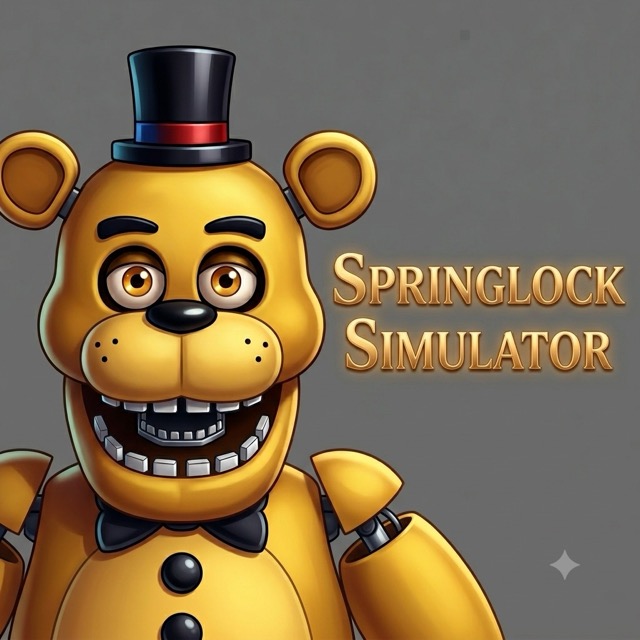
Springlock Simulator
Keep an audience entertained while preventing the springlocks in your costume from failing.
About Springlock Simulator
Springlock Simulator is a compact fan-made management challenge. Performing for the children increases entertainment, but the suit's locks also need attention. Either neglected meter can end the attempt.
The useful decision is when to stop performing and service the costume. Reaching the entertainment target changes one priority, but it does not make the locks safe for the remaining time.
How to Play Springlock Simulator
Choose a difficulty and check the entertainment goal. Click the microphones or banjos to perform. Use the Spring Locks button to access the moving lock icon and click it to tighten the mechanism. Alternate between these tasks before either meter reaches an unsafe state.
Timing the two tasks
Entertainment decreases while you work on the locks, so staying in one view indefinitely is risky. Once the entertainment goal is secured, shift attention toward keeping the costume stable instead of adding unnecessary performance clicks.
Practical tips
- Watch both meters before changing views; the lower one helps identify the more urgent task.
- Locate the lock icon again after it moves instead of repeatedly clicking its previous position.
- Continue maintaining the suit after reaching the entertainment goal; the locks can still fail.
Compare the difficulty targets
The listed entertainment goals are 1,000 on Easy, 1,500 on Medium, and 2,000 on Hard. Check the goal displayed for your selected difficulty before building a rhythm. Entertainment decreases over time, so the amount already earned needs to be considered alongside the condition of the springlocks.
Alternate performance and maintenance
Click the microphones or banjos to build entertainment. When the locks need attention, open Spring Locks and find the moving lock icon before clicking it. The lock icon changes position every two seconds, so follow it rather than repeatedly clicking the place where it appeared last.
Reaching the entertainment goal changes your priority: spend the remaining time tightening the springlocks because they can still fail. If either the entertainment meter or the springlocks reaches zero, the attempt ends. Keep both in view while working toward the target.
Frequently asked questions
Does entertaining the children finish every responsibility? No. The locks remain a separate hazard.
Does difficulty only change the appearance? No. Difficulty changes the entertainment target, so plan around the goal shown on screen.